


Live captions for interpreters on Windows: what broke, and a free offline fix
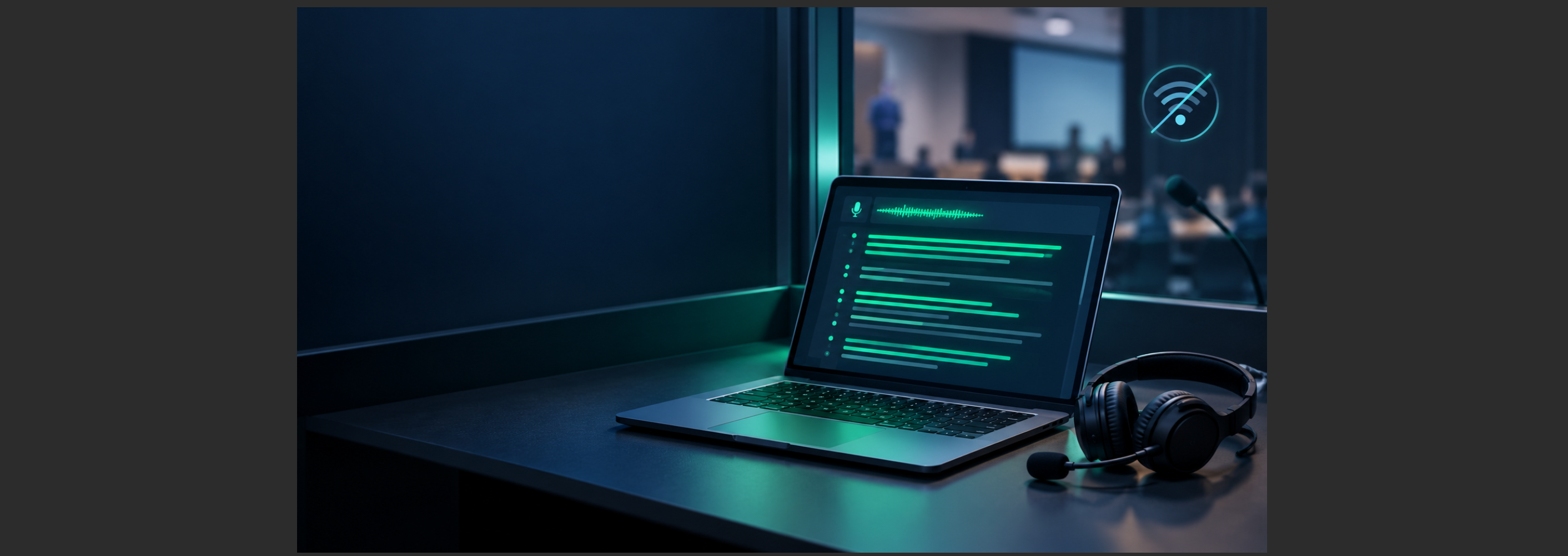
Windows' built-in live captions looked like the perfect free booth aid. On many interpreters' machines it now falls short, and on Copilot+ PCs we nolonger find it usable for live interpreting. So we built a free offline replacement into TerpMate: GT-offline-ultra.
The appeal was obvious. Speech appears on screen as it is spoken, on the laptop you already own, with no cloud subscription. For numbers, names and terms, that is exactly what an interpreter wants a glance away. The trouble starts when you rely on it in a real booth or roll it out across a training lab.
Where it breaks down
Not every PC can run it. Live captions needs Windows 1, version 22H2 or later 1, so Windows 10 machines are out. On managed machines the language files often fail to download, and Microsoft's own troubleshooting advice2 for organisations is to ask IT to deploy the package. In a training lab,that means some machines work and others don't.
Every language change is a setup job. Each recognition language needs itsown download. Switching languages or microphones mid-session is slow and fragile. Interpreters working both ways, say English and Mandarin, need the opposite: a switch with no interruption at all.
On Copilot+ PCs, it changed character. Live captions there is now built around translation, and in our testing the text arrives in chunks rather than word by word, with lower accuracy. Chunks are fine for someone reading subtitles. For an interpreter, a number that arrives seconds late has already passed the ear–voice span.
What interpreters actually need from speech recognition
A booth aid is only useful if it keeps pace with the interpreter. In our experience, that means six things:
- Word-by-word streaming, fast enough to land inside the ear–voice span.
- Instant switching between languages and microphones, ideally with automatic language detection for two-way work.
- Your terms recognised, from the glossary you prepared for the meeting.
- Fully offline. Interpreters carry a confidentiality duty, and clients rarely agree to the interpreter's audio going to a third-party cloud.
- Runs on the laptop you already have, with no IT ticket.
- Free. A booth aid should not become another subscription.
GT-offline-ultra: built for the booth
GT-offline-ultra is the new offline speech engine in TerpMate, GreenTerp's free computer-assisted interpreting tool. We built it against the listabove.
- The same speech models, running offline. Windows live captions recognises speech on the device using a compact version of Microsoft's Azure Speech models, as Microsoft documents3. GT-offline-ultra runs on that same on-device engine, so you keep that class of recognition quality, with nothing sent to the cloud.
- Faster to the first word, because it never leaves the laptop. On-device recognition removes the network round-trip that cloud engines depend on. Independent testing by Picovoice finds on-device streaming can reach around half a second to the spoken word, while cloud engines commonly run from 500ms to well over 2 seconds4 once real network conditions are counted. For an interpreter, that difference is the gap between a number arriving in time and arriving too late.
- Streams word by word. On a Copilot+ PC, the built-in captions now arrive in chunks; Ultra emits each word as it is recognised, which is what an interpreter needs inside the ear–voice span.
- No Windows language packs to fight with. Change language or microphone inside TerpMate with no system-level setup. Automatic switching between English and Mandarin is built in, so two-way interpreters never stop to change a setting.
- Runs on Windows 11 and Windows 10, including Copilot+ PCs. (No Mac version yet.)
- Your glossary, ready for the meeting. TerpMate has supported glossaries since day one, so the terms you prepare are a glance away while you work.
- Free with the TerpMate Community Edition. A quick sign-up, and no per-minute fees.
GT-offline-ultra uses its own on-device language models, which TerpMate downloads for you. These are separate from any Windows speech pack, so youd ownload them once from Green Terp's own servers, even on machines that cannot reach the Windows packs. Languages covered today match the set Windows live captions recognises on-device: Chinese (Simplified, China), Chinese (Traditional, Hong Kong SAR), Chinese (Traditional, Taiwan), Danish, English, French (France), Spanish (Spain), Spain (Mexico), Italian, Japanese, Korean, Portugese (Portugual), Protuguese (Brazil), and German. Any language Ultra doesnot cover yet stays available through TerpMate's online engine.
For trainers, schools and labs
The hardest part of bringing live captions into a classroom has been the lab itself: some machines take the Windows speech packs, others never do. GT-offline-ultra sidesteps that. It needs one model download per machine,served from Green Terp's own servers rather than through Windows, so it installs on locked-down university images where the Windows packs fail. There is no per-seat cost.
- One setup for every machine. Install TerpMate and every student sees the same engine, the same languages and the same behaviour.
- No hardware needed. With GT EDU, TerpMate and its direct audio monitor cover ASR-assisted practice for trainers and students, without a dedicated lab console.
- Research welcome. If you study ASR-assisted interpreting, we are glad to support your project with TerpMate. Contact details are on our contact page.
Try it yourself: switch off thenetwork
The simplest proof is to unplug.
- Open TerpMate and choose GT-offline-ultra.
- Turn on airplane mode, or pull the network cable.
- Play a speech, or speak into your microphone, and switch language halfway through.
The transcript keeps flowing. Then try the same test with whatever tool you use today.
An aid, not a source of truth
Speech recognition still mishears, and an interpreter who reads instead of listening loses the speaker. Use it the way you would use a good boothmate'spen: for numbers, names and terms, while your ears stay on the floor.
TerpMate's Community Edition is free. [https://www.gtmeeting.com/solutions/terpmate#terpmate-download]
Frequently asked questions
Does GT-offline-ultra work offline? Yes. It recognises speech entirely onyour laptop, with nothing sent to the cloud. Turn on airplane mode and it keeps working.
Does it work on Copilot+ PCs? Yes. It runs on Copilot+ PCs andstreams word by word, unlike the built-in captions, which now arrive in chunks.
Which Windows versions are supported? Windows 11 and Windows 10. There isno Mac version yet.
Is it really free? Yes, in the TerpMate Community Edition. A quick sign-up is required, and there are no per-minute fees.
How is it different from Windows live captions? It uses the same class of on-device speech models, but adds what interpreters need: word-by-word output, instant language and microphone switching, automatic English–Mandarin detection, and your glossary alongside. It also installs where the Windows speech packs fail, because the models come from Green Terp's own servers.
Which languages are supported? GT-offline-ultra covers the samelanguages Windows live captions recognises on-device: Simplified and Traditional Chinese (China, Hong Kong SAR, Taiwan), English (Australia, Canada,India, Ireland, New Zealand, UK, US), French (Canada and France), German andDanish. Languages not yet covered by Ultra remain available through TerpMate's online engine.
Will it run on our locked-down university lab machines? In most cases, yes. The language model downloads once per machine from Green Terp's servers rather than through Windows, so it works on images where the Windows speech packs cannot be installed.
Notes:
1 &3 . https://support.microsoft.com/windows/b52da59c-14b8-4031-aeeb-f6a47e6055df
2. https://support.microsoft.com/en-US/accessibility/windows/voice-access/troubleshooting-live-captions-or-voice-access-setup-issues
4. https://picovoice.ai/blog/speech-to-text-latency/

.svg)
.svg)
